Experimenting with Language Models to Create a Long Scientific Presentation
Pere Quintana Seguí
April 17, 2026
We are in an era where we are all learning how to use large language models (LLMs) for our work: which uses are legitimate and which are not; which ways of using them are smart and which are not, etc. Over the past year, I have done many tests, especially in programming, with very positive results, using tools such as Claude Code, Codex CLI, and Gemini CLI. These past few days, however, I have been conducting a new test: how to use AI to create a one hour talk on a new topic for which I had no prior material.
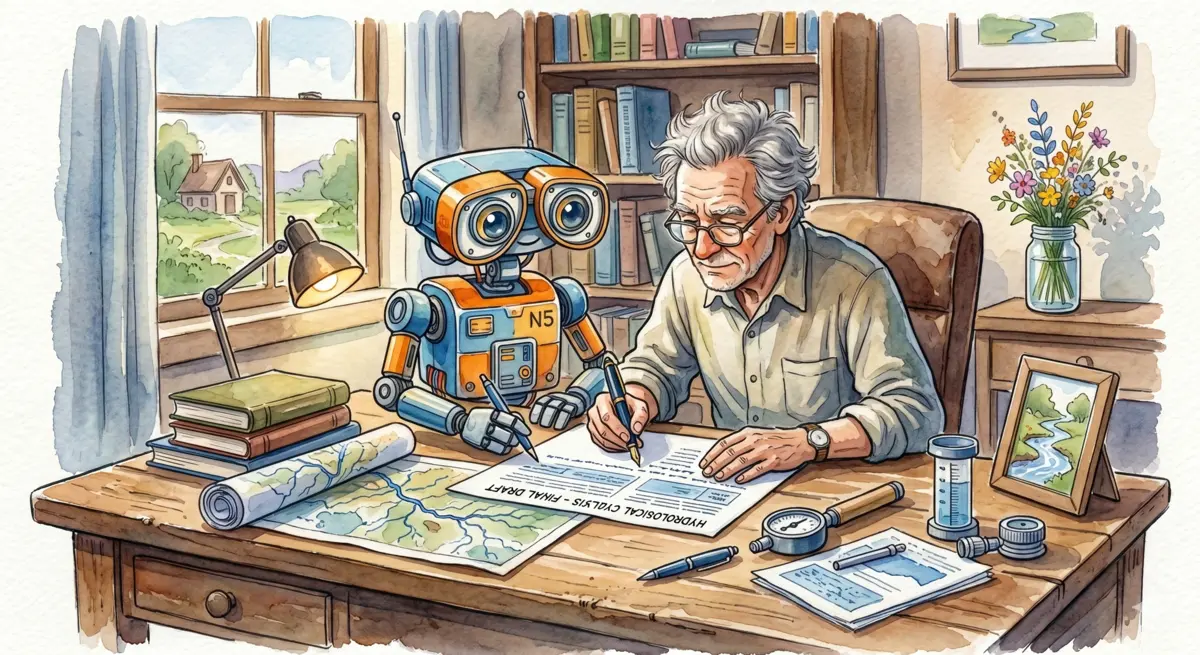
Some time ago, the Firefighters of the Generalitat de Catalunya invited me to give the opening talk at the “I Intercommunity Water Rescue Conference”. They asked me to talk to them about climate change and flooding. It seemed like an interesting proposal, although I didn’t have much time to prepare the presentation because, after recent years dedicated to management tasks, I was a bit out of date, and this was a very good opportunity to catch up. In practice, I had two weeks to update myself and prepare a one-hour talk without being able to dedicate myself to it full-time. This was a good situation to try using AI tools to help me create the presentation while maintaining high levels of scientific quality. Using AI to generate “slop” does not interest me.
The first thing I did was to create a new folder with a GEMINI.md file. This file is what Gemini CLI uses to know the context of the project. There, I wrote a paragraph providing context about the request from the firefighters and a fairly detailed outline of the presentation structure. Then, I asked Gemini CLI what the best format for the presentation would be. Since I was working with AI, I thought it would be best to work in text format and proposed using LaTeX and Beamer, but I also asked if there were better options. The agent suggested Quarto, and it really seemed like a great idea. Quarto is similar to LaTeX but uses Markdown and it is more modern and flexible.
Then I asked the model to create a first version of the presentation following the proposed structure. It made a fairly bad presentation, but it was a good starting point. I already had an structure to work on. The blank page syndrome was gone.
The next day, I did a traditional bibliographic search to catch up on what has been published about Mediterranean flash floods over the last few years. I used the usual Google Scholar (the new AI version didn’t work for me) and gradually, pulling the thread, I generated a bibliography of more than a hundred articles. This is not a new topic for me; therefore, I knew 80% of the authors of the articles, many of them in person. Thus, from the start, I had a very clear idea of the quality of the documents I had collected. I imported the bibliography into Mendeley, as usual, and exported a BibTeX file so that Quarto could use it.
The following day, I uploaded all the PDFs from the project’s bibliography to Google’s NotebookLM. This was a very good idea. NotebookLM is similar to ChatGPT or Gemini, but the answers it gives are based on the documents you have uploaded. Thus, hallucinations aside, I knew that the answers would all come from the documents in the bibliography. Furthermore, NotebookLM tells you which documents it bases its answers on, so you know where the information comes from. I didn’t just import scientific articles; I also included some government reports and press news.
From there, I began an iterative process. I would copy the code of a slide, paste it into NotebookLM, and ask it to improve the content of the slide based on the bibliography. The feedback was of high quality. Since NotebookLM knows which documents it draws information from, I asked it to add citations (with BibTeX codes) to the slides. Thus, every statement was accompanied by one or more citations. It’s the first presentation I’ve done where almost every point has a citation. Then, I would copy the improved text into the Quarto document and analyze it. The analysis consisted of opening the cited articles, reading the abstract and conclusions, and looking for relevant sections to confirm that the statements were correct. In most cases they were, but sometimes the model generated hallucinations. Therefore, it is very important to review everything and go to the sources manually. AI can only do the first iteration; subsequent ones must always be manual. After reading (partially) the articles, I would edit the presentation and improve its discourse and flow. Then, I would move on to the next slide.
The process was long, but AI was a great help because it always pointed me toward the two or three relevant articles for the slide in question. Gradually, as I made slides, I saw that there was a subgroup of articles that dominated the citations, and so I made the essential bibliography my own without having to read all hundred articles. AI helped me know what was most relevant and what wasn’t as much.
Once this process was finished, I went through the flow of the discourse, making edits and adding new slides on topics I felt should be addressed. Thus, the presentation grew and improved significantly. I think I added about twenty new slides based on my own judgment.
When I already had a fairly well-formed presentation, with text but without images, I began the process of selecting images. Sometimes I extracted figures from the papers (properly cited), sometimes I searched for images on the internet, and finally, sometimes I created scientific illustrations with Gemini (in this case, with the standard Gemini, which uses the magnificent Nano Banana model for image creation). There wasn’t always room for images on the slide. Here I decided to use photographs as backgrounds for some slides, with relative opacity. That turned out very well.
In some cases, the resulting slides were like walls of text. I had the idea of passing these texts to Gemini to generate infographics. Thus, I replaced some walls of text with very visual and professional infographics. Gemini didn’t always get them right, but in general, the result was very positive.
To give the presentation a more professional touch, I used Nano Banana to generate watercolors of water rescue situations in Mediterranean flash floods, which gave a very special touch to the presentation.
Quarto converts the base Markdown document into a web page. This gives a lot of flexibility because you can modify the style of the presentation with CSS, just like any web page. I used Gemini CLI to improve the aesthetics of the presentation. I also edited the CSS styles myself directly. I am very happy with the result.
Little by little, editing and improving, I made the presentation more my own and became more familiar with the bibliography and the subject matter. I finished the presentation the day before the conference, so I could only rehearse once, that same morning (the talk was in the afternoon). I was very surprised that the rehearsal went very well on the first try. I had the bibliography in my head and a good knowledge of the topic, even the points I didn’t master as much at the beginning. This made me very happy.
This process of progressively iterating with assistants is very effective. Asking questions to NotebookLM is very useful for learning a topic and also for familiarizing yourself with the bibliography. This, combined with checking the original sources, was very effective for learning everything I needed to learn. In a way, the role of AI is not to do the work for you, but to act as that colleague who asks you questions and gives you clues, facilitating the overcoming of blocks and the prioritization of the documentation that needs to be read.
To write the conclusions, I asked for a first version from Gemini CLI, but I didn’t like what it did at all. So I wrote them myself directly. When I finished, as I was afraid that the AI might have made some mistake, I asked Gemini CLI to read each of the phrases in the document and verify with the literature (I gave it access to text versions of all the PDFs) if the statements were true. It found three or four errors, which I corrected immediately, after checking the sources.
After this experience, I believe that an intelligent use of AI can be very useful for improving the quality of the work we do. But beware: AI will not do the work for us. For AI to be useful to us, it is essential that we have good knowledge of the area and that we have good judgment. Those of us who have lived half our lives without AI know how to work without it and, therefore, know how to be critical. It is a stroke of luck we have. Also, it is important that we use AI only to break through blocks (making sketches, information searches, summaries, etc.; afterward, the texts must always pass through our hands) and lubricate the process, not to replace us. It is not good at all at replacing us.
A risk of AI is that we might want to be too ambitious and greatly inflate the expectations of the project, so that we don’t have time to check everything. Also, it can generate a false sense of security, and we run the risk of dealing with topics that we have not studied or mastered. We must be careful.
The doubt I have, after all this, is whether it would have taken more or less time to make the presentation “the old way.” The truth is, I don’t know. I’m not sure that AI accelerated the process, but I do believe it improved the quality, especially thanks to the illustrations and the fact that every statement in the presentation is supported by a citation.
You can check my slides here and you can watch the video of the talk here.